How can we help?
Ask our assistant, watch a short walkthrough, or talk to us.
How do I set up my team and roles?
You invite people from the organization account and give each one a role: Admin, Manager or Consultant. Every person passes identity verification before they can take bookings.
Steps:
- Invite the person from your organization account.
- Have them complete identity verification.
- Give them one of the three roles.
- Set the Organization's days and hours, then each consultant's own calendar inside that window.
- When someone leaves, remove their access within 7 days.
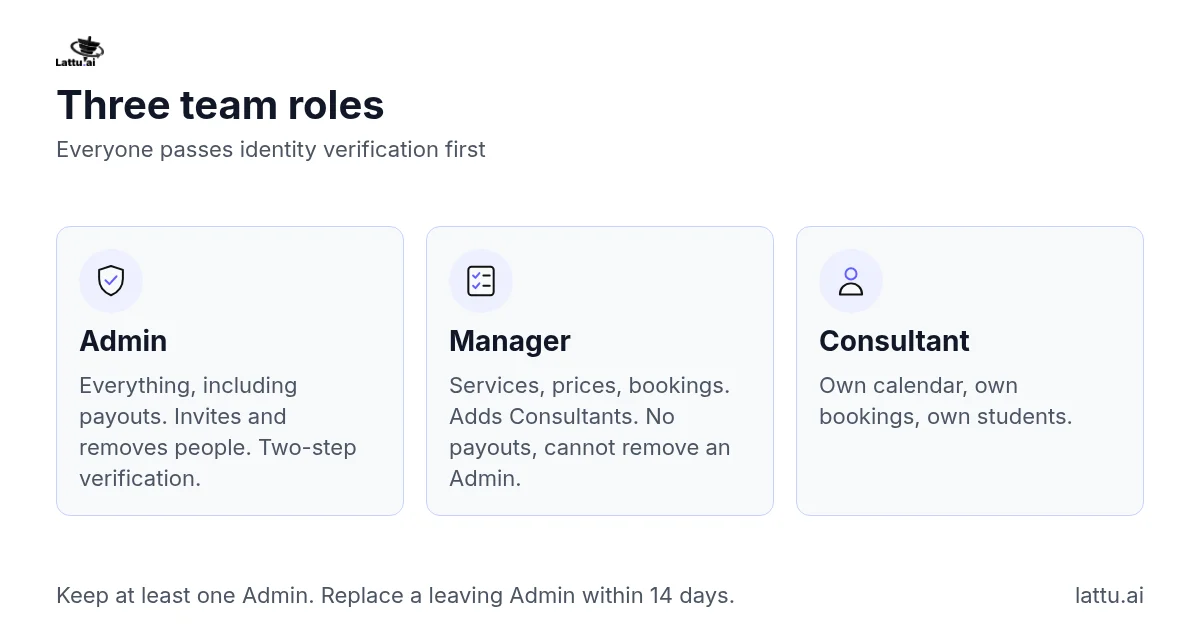
The three roles:
- Admin: everything, including payment settings and payouts, inviting and removing people, and accepting or ending the agreement. Two-step verification is required on an Admin login and cannot be switched off.
- Manager: services, prices and bookings, and can add and remove Consultants. Cannot touch payouts or remove an Admin.
- Consultant: only their own calendar, their own bookings and their own students.
Keep at least one Admin with a working email address and phone number at all times. If your Admin leaves, name a replacement within 14 days. If no Admin can be reached, the account cannot be used until one is restored, because there is nobody we can take instructions from.
Everyone you add acts under your agreement, and the Organization answers for what they say and do with students.
Only an Admin or a Manager assigns a booking from the queue. A Consultant cannot take one themselves.
Official Representatives are not part of an organization account and you do not manage them here. A representative creates their own account and Lattu confirms their link to your organization.
If it does not work: If someone cannot take bookings after you add them, check that their identity verification is complete and that they hold a role.
Related articles
Still stuck?