How can we help?
Ask our assistant, watch a short walkthrough, or talk to us.
Can I connect my calendar?
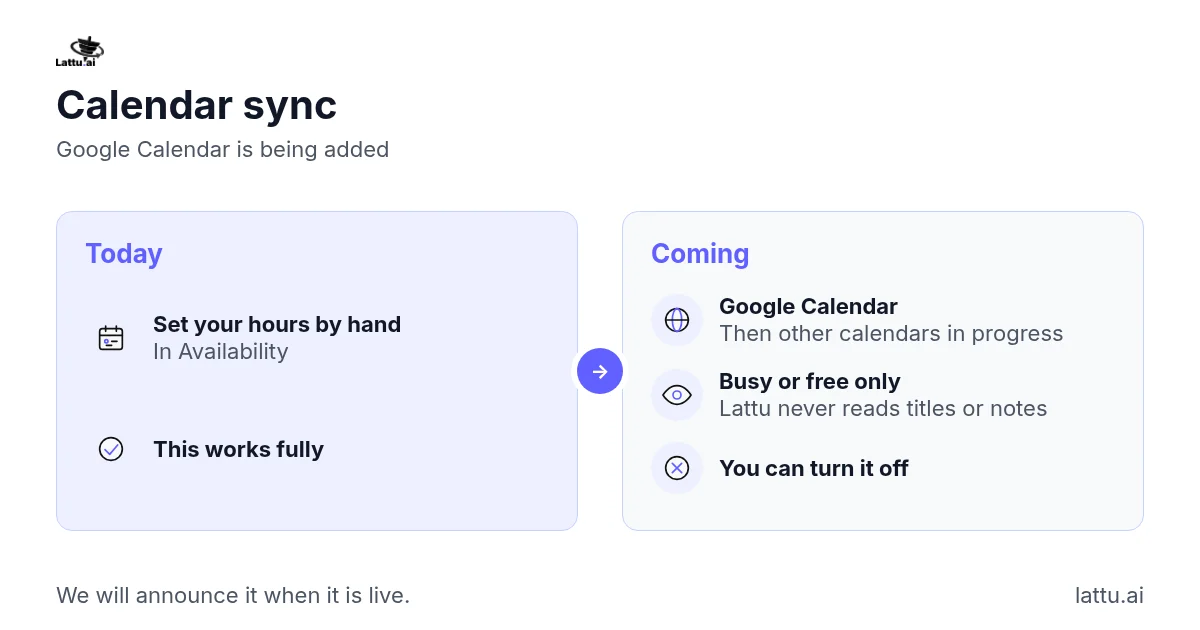
Not yet. Google Calendar is being added, and other calendars are in progress. Until it is ready, you set your hours by hand in Availability, and that works fully. When calendar sync arrives, Lattu will read only whether you are busy or free at a given time. We never read the title, guests or notes of an entry, and we never write anything to your calendar. You will be able to turn it off again. We will announce it here when it is live.
If it does not work: There is nothing to fix yet, because calendar sync is not live. To set your hours now, see "How do I set my hours without a calendar?"
Related articles
How do I set up my profile, and what do students see?
How do I add an advice session or a service, and set my price?
Still stuck?