How can we help?
Ask our assistant, watch a short walkthrough, or talk to us.
How do I deliver a hired service and get it signed off?
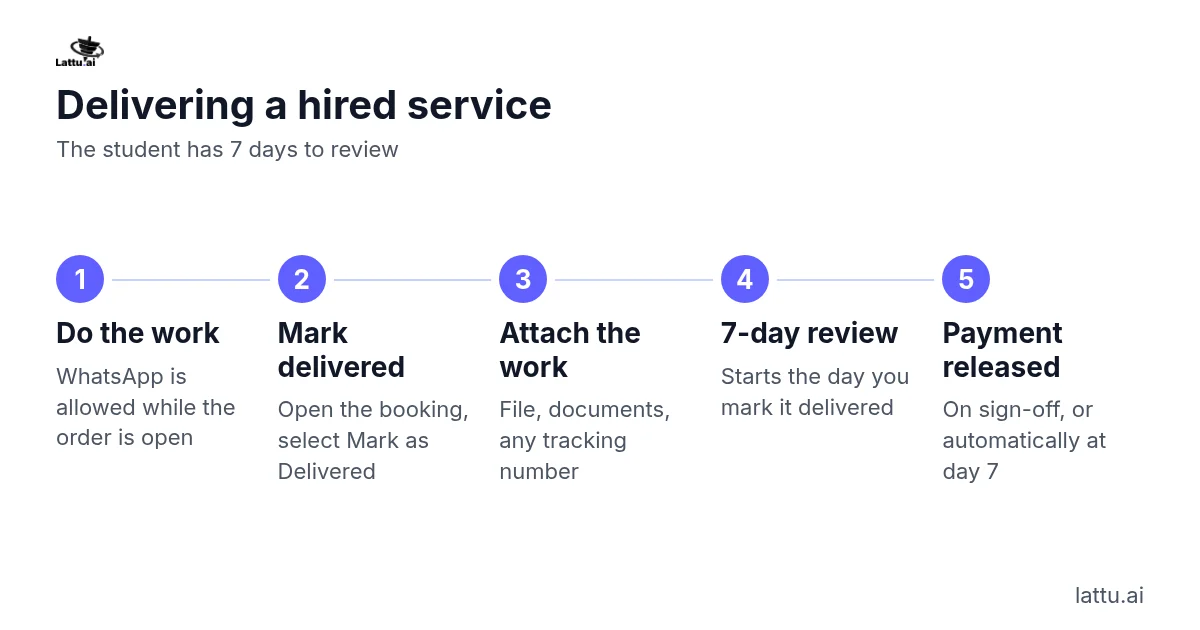
Mark the work delivered with the finished work attached. The student then has 7 days to review it.
Steps:
- Do the work. You may use WhatsApp or another platform with the student while the order is open.
- Open the booking and select "Mark as Delivered".
- Attach what you produced: the file, the application as filed, any documents and any reference or tracking number. You cannot mark a service delivered on your word alone.
- The 7-day review starts that day. The student keeps their own copy of everything.
- When the student signs off, your payment is released. If they do neither, it is signed off automatically at day 7.
Silence is treated as sign-off, so work you really delivered is never left unpaid. If you need longer than your estimate, tell the student early. Missing the estimate is not a breach. If the student says the work was not delivered or was not what was sold, we hear both sides before deciding, so contact Support.
If it does not work: If you cannot attach a file, or the student contacts you about the work, contact Support.
Related articles
Still stuck?