How can we help?
Ask our assistant, watch a short walkthrough, or talk to us.
Is there a Lattu app, and how do I get it?
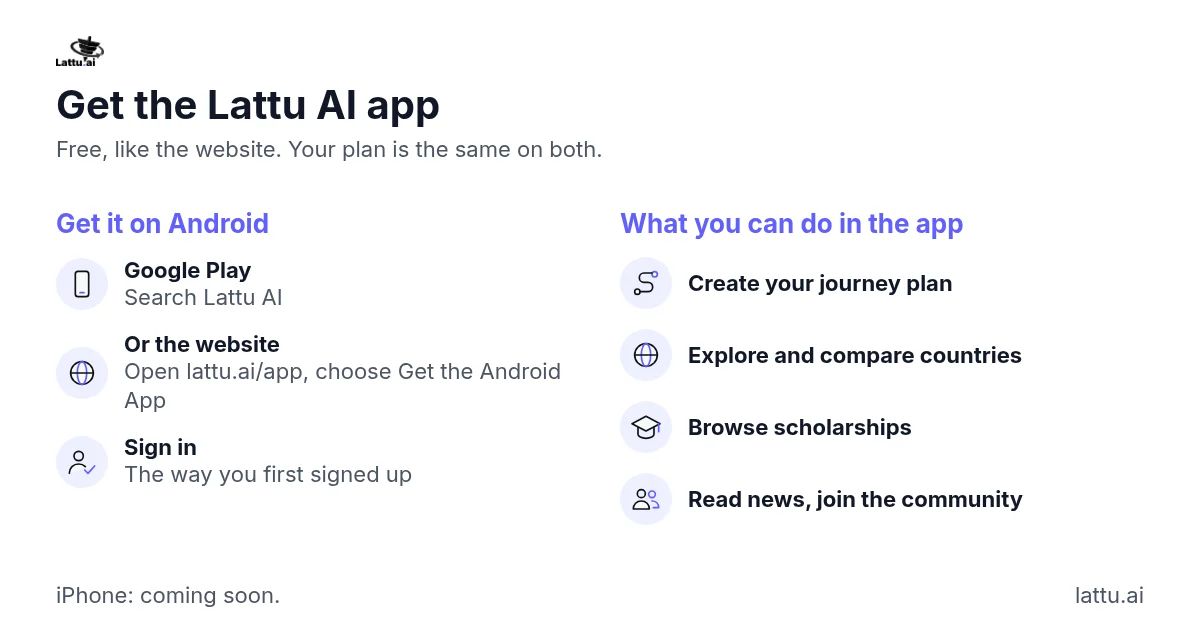
Yes. The Lattu AI app is on Google Play for Android. An iPhone version is coming soon.
Steps:
- On an Android phone, open Google Play and search for Lattu AI, or open lattu.ai/app and choose Get the Android App.
- Install it, then sign in the way you first signed up, with Google or email.
In the app you can create your journey plan, explore and compare countries, browse scholarships, read news and join the community. The app is free, like the website. You can also use everything in your phone's browser at lattu.ai, and your plan is the same on both.
If it does not work: If the app is not working for you, see "The app is not working, or the map is hard to use on my phone. What do I do?"
Related articles
Still stuck?