How can we help?
Ask our assistant, watch a short walkthrough, or talk to us.
How do I write my SOP with Lattu?
Open the SOP help in Lattu, enter your story and your target program, and Lattu builds a first draft you then edit and make your own. You can check your SOP free twice a month. Writing a draft, and unlimited checks, are part of Lattu Plus (see "Is Lattu free, or do I have to pay?"). It uses your profile, your chosen program and your background. Lattu leaves gaps blank for you to fill instead of inventing facts. The draft is a starting point, not a finished document. Read it closely, add your own voice and check every detail before you submit. If you want a person to look at it, you can book an SOP review with an expert.
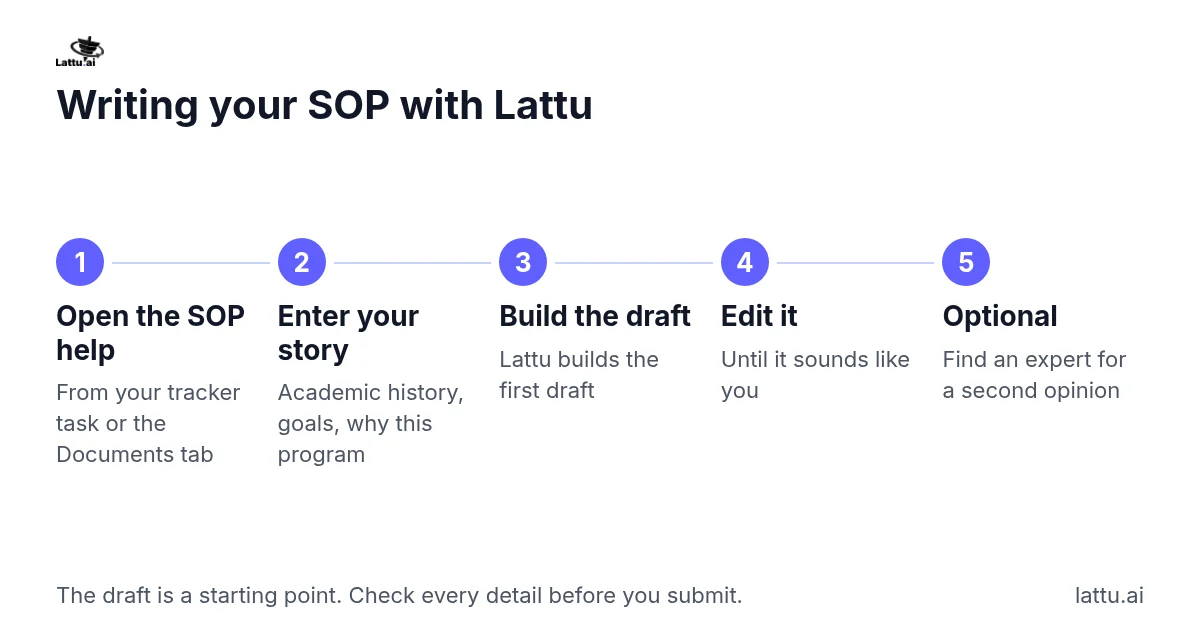
Steps:
- Open the SOP help from your Application Tracker task or from the Documents tab.
- Enter your academic history, your goals and why you chose this program.
- Let Lattu build the first draft.
- Edit the draft until it sounds like you.
- If you want a second opinion, choose find an expert from the SOP help screen.
If it does not work: If the tool says you need Lattu Plus, check that your plan is active in Payments & invoices. If it is active or the tool still does not open, contact us from the Support page.
Related articles
Which documents will I need, and where do I get them?
Still stuck?