Lattu AI

Plan where you study, what it costs and what you need, in one place.

Get it onGoogle Play

Platform

Journey PlannerCountry ExplorerScholarship Hub

Company

About UsHow It WorksContactSupportCareersPress

Resources

Why LattuResource CenterBlogNewsFAQMedia Kit

Programs

Lattu Launchpad GrantPartnership NetworkAmbassador Program (Coming Soon)
© Xephyr Labs 2026Privacy PolicyTerms of ServiceRefund Policy
How can we help?

Ask our assistant, watch a short walkthrough, or talk to us.

Popular:Book an advice sessionCancel or reschedule
Support › Scholarships and funding › How do I keep track of scholarship deadlines?

How do I keep track of scholarship deadlines?

Save the scholarship, and its deadline appears on your Application Tracker under Funding.

Steps:

  1. Save the scholarship from its listing in the Scholarship Hub.
  2. Open your Application Tracker and go to the Funding section. The deadline is shown there.
  3. Check the Funding section as the deadline gets close.
  4. Add your own tasks for each scholarship, such as "draft essay" or "request transcript", each with its own deadline.

If it does not work: If a saved scholarship does not show up or the date is wrong, check the provider's page, then contact us from the Support page.
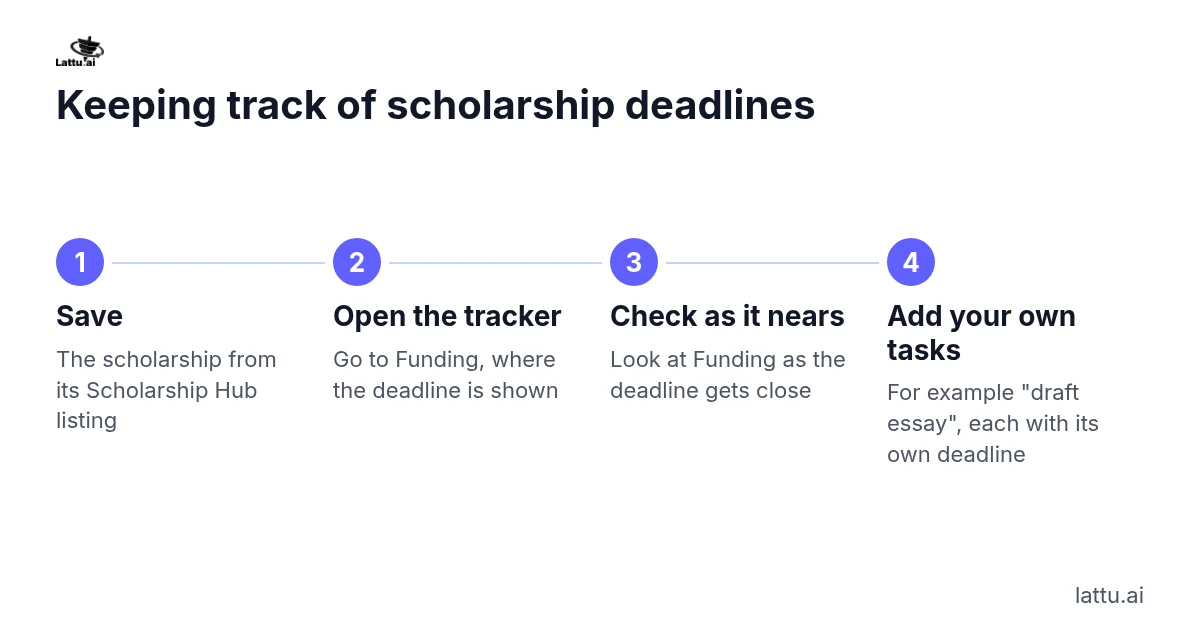
Keeping track of scholarship deadlines

Related articles

How do I find scholarships?

Does Lattu recommend scholarships for me?

How can the Faculty Finder help me find funding?

Still stuck?